
Features / Marketing & Lead Management / Every message, one place
Marketing & Lead Management
Reply once, and the whole team knows it’s done.
Most practices juggle texts in one app, WhatsApp in another, email in a third and call notes on a pad by the till. By mid morning nobody has the same picture, and something has already slipped through.
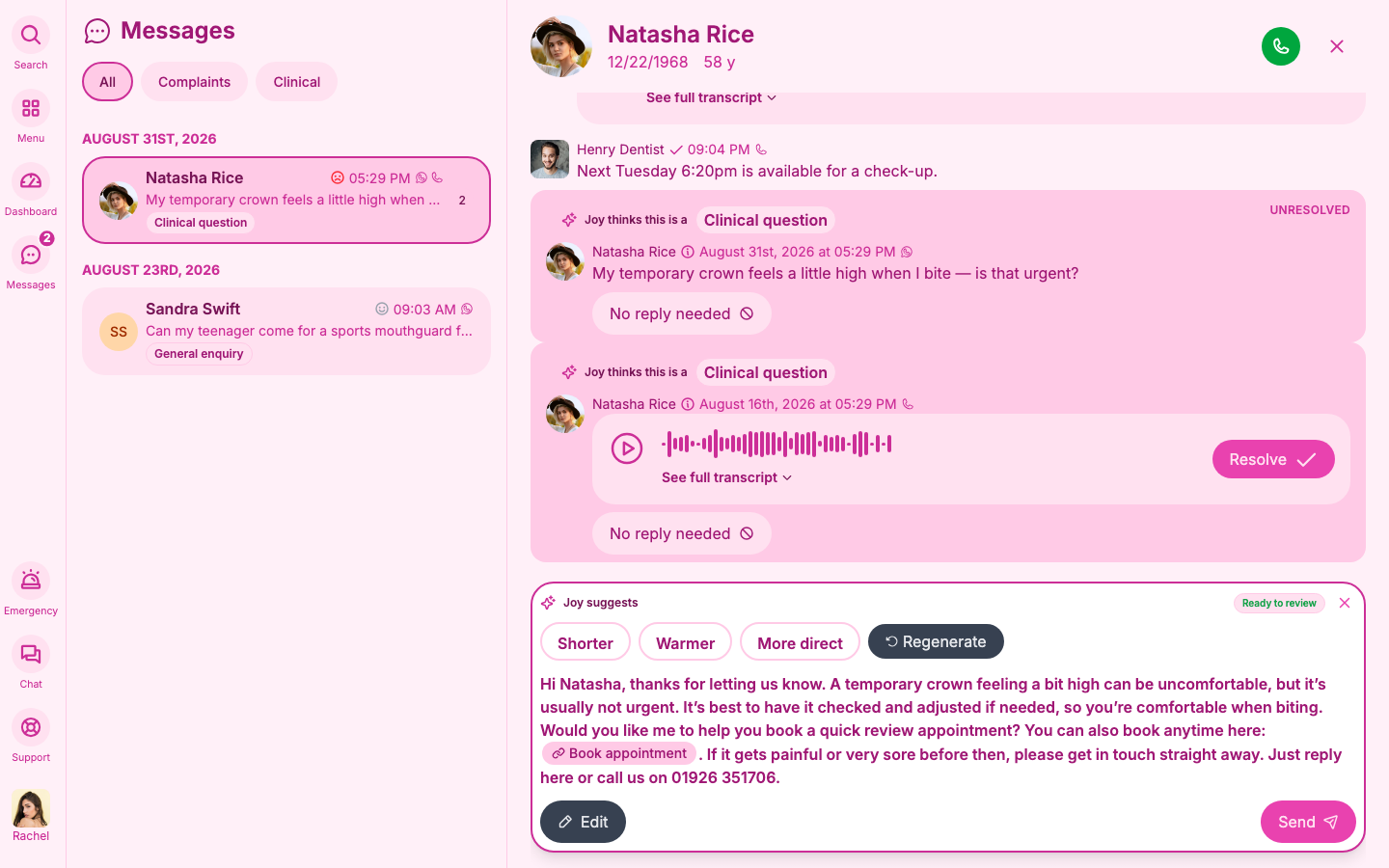
In Joyful, every message lands in one thread on the patient’s record. You reply from one place, and the whole team can see what was said and who said it.
How it works
01
Reply once, and everyone knows it’s done
Texts, WhatsApp, email and call notes sit in one thread on each patient.
Open a patient and you see the whole conversation, every channel, in order, on one screen. You don’t switch between platforms or hunt for the app a message arrived in. Your reply goes out on WhatsApp. If the patient doesn’t use WhatsApp, the same message goes as a text.
- Texts, WhatsApp, email and call notes sit together in one history.
- Did you reply, or did a colleague? You don’t need to know. The full thread shows who said what, and when.
- WhatsApp is on for every practice from day one. Patients without WhatsApp get the same message by text.
Calls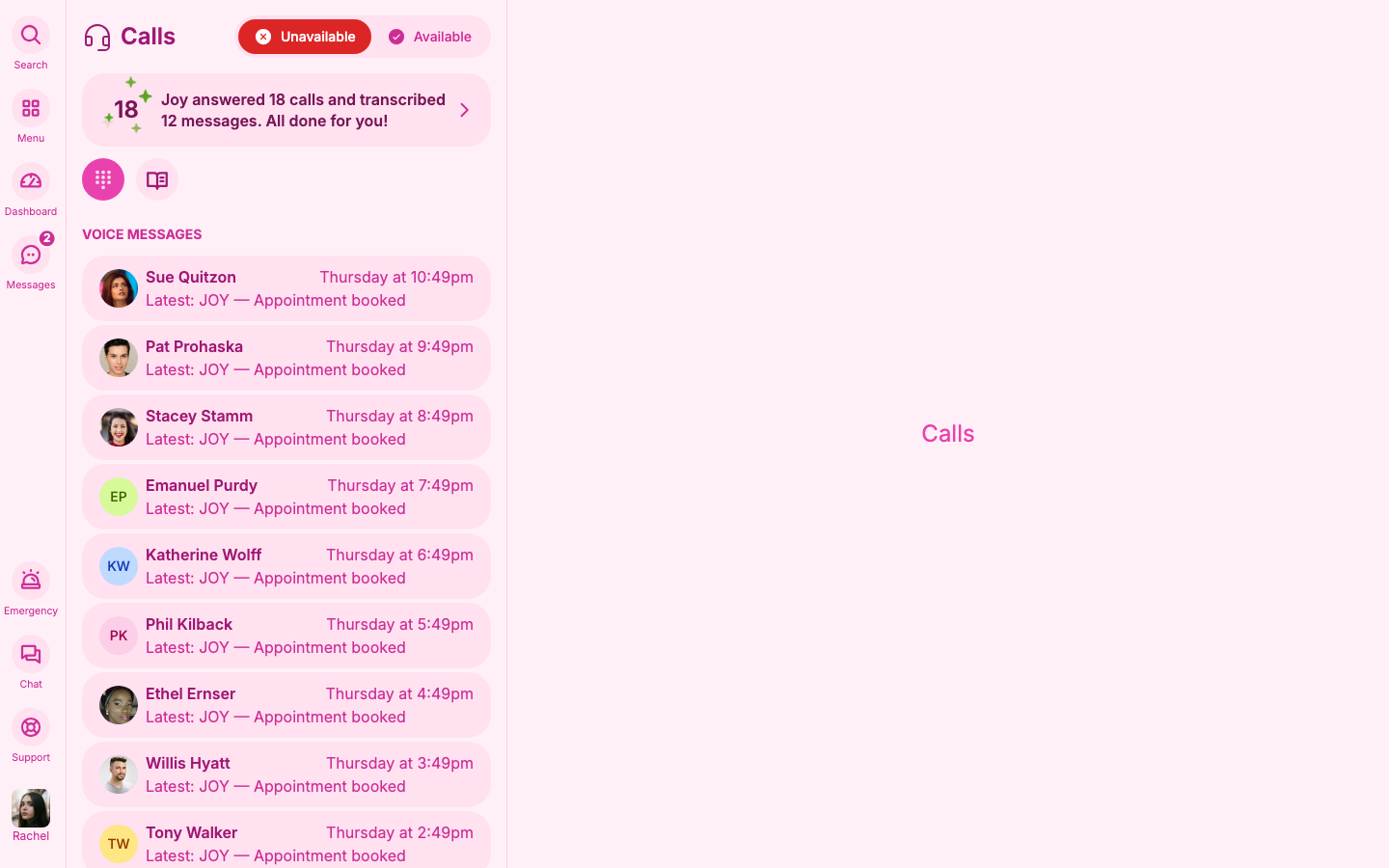
02
Spend your time on the messages that need you
Joy tags every message and answers the simple ones in your practice’s own words.
Joy reads each message and tags it: a booking, a cancellation, a change of time, a new patient. She sends the right link or drafts a reply for you to check. Anything that needs judgement goes to a person.
- Reception can change any tag if Joy gets it wrong.
- Joy answers simple questions about parking, access or balances from your practice’s own words.
- A complaint is never answered automatically.
The list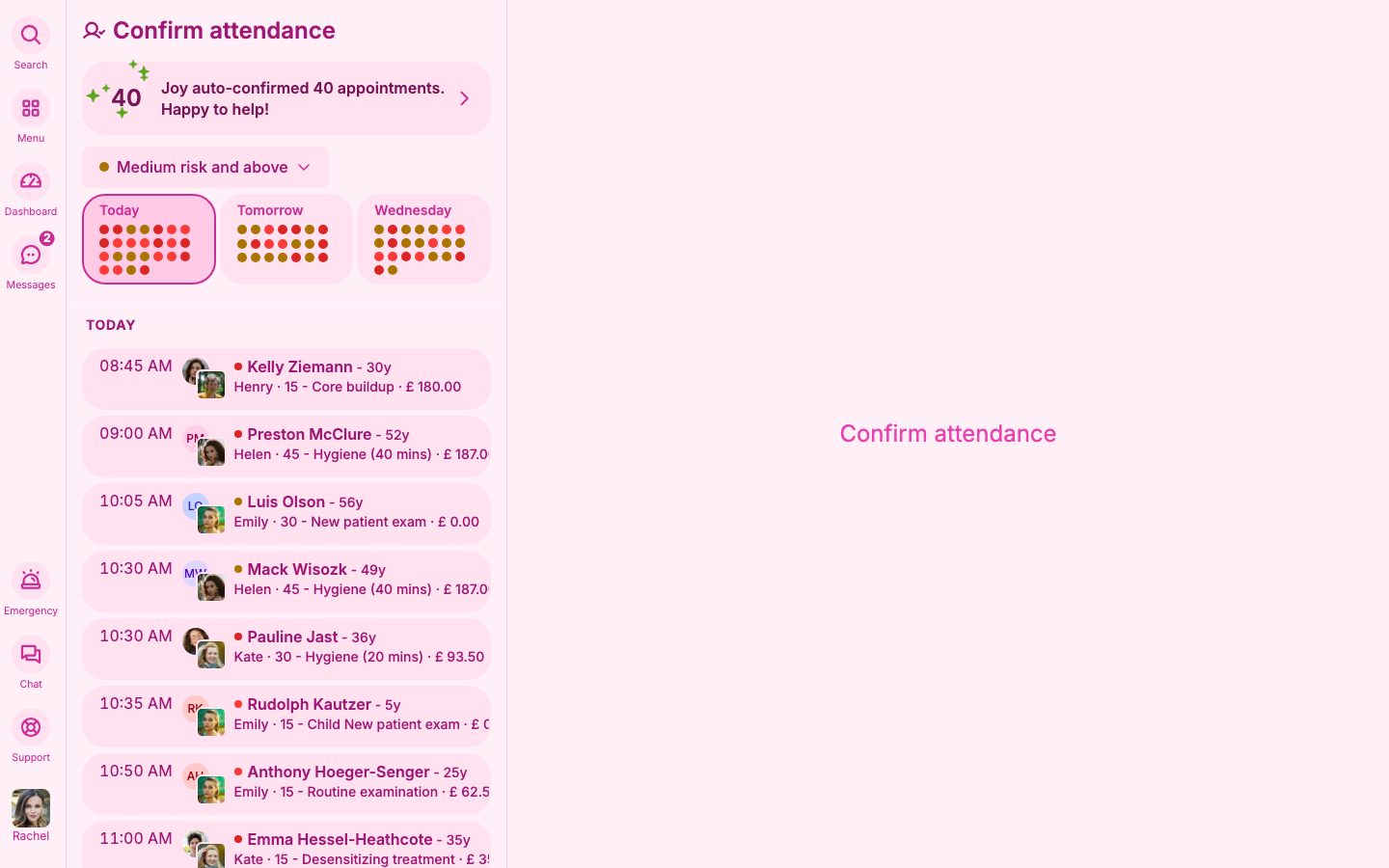
03
No message falls through the cracks
Every message belongs to someone until it’s finished.
Reception works the main list. Urgent clinical questions and complaints have lists of their own. Every message belongs to someone until it is finished. Change the owner to hand a message to a colleague, or assign it to a manager or clinician to escalate it.
- Change the owner to pass a message to someone else on the team.
- Escalate to a manager or clinician in one step.
- Nothing gets forwarded and forgotten. It stays on someone’s list until it is done.
Inbox
The small print
- Complaints and after-hours clinical messages always go to a person.